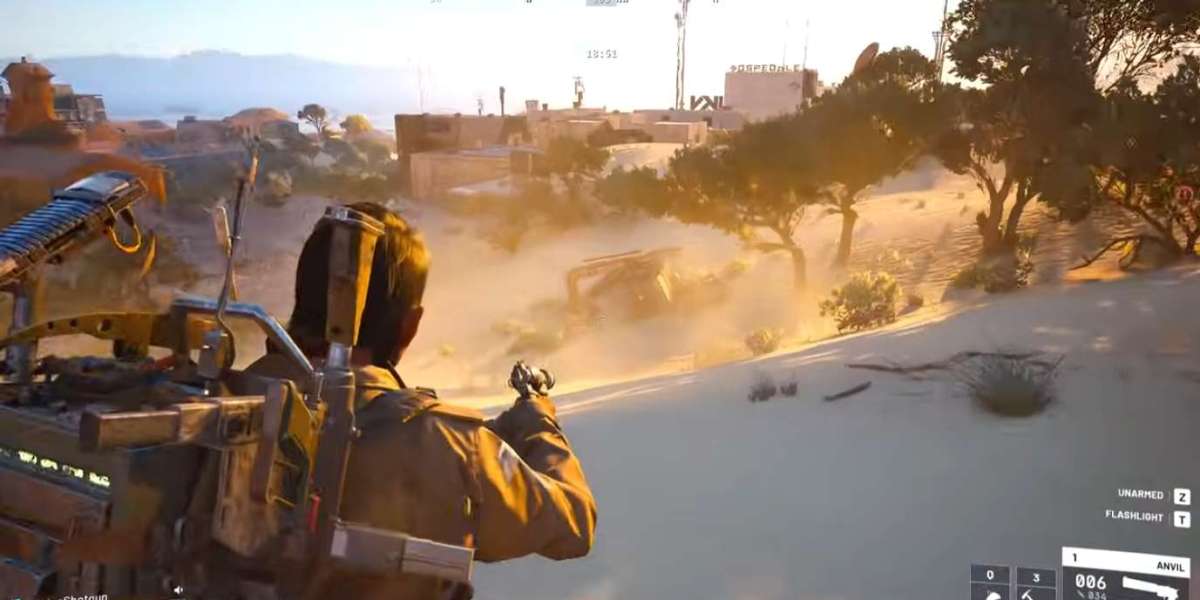

If you’re playing Arc Raiders, one of the early quests you’ll encounter is Flickering Threat, given by Celeste after completing Power Out. This quest is straightforward but has a few practical points that aren’t always obvious if you’re going in for the first time. Here’s a breakdown based on how most players approach it.
What is the Flickering Threat Quest About?
In general, Flickering Threat revolves around restoring power to the Dam Battlegrounds. Celeste explains that the engineer responsible for maintaining the systems is injured and cannot fully operate the generator. Your job is to step in and get the power back online.
The quest has three main objectives:
Find the Generator Room
Repair the Generator (requires 4 wires)
Find the Ventilation Shaft and enable the power switch
In practice, players quickly realize that while the steps are simple, the area has some tricky spots that can slow you down if you’re not paying attention.
Where is the Generator Room and How Do You Access It?
Most players head to the Dam Battlegrounds and look for the Generator Room, which is located on the west side of the elevator. The SE door of the room is usually the easiest access point.
Inside, you’ll notice hazards and scattered enemies. The room itself isn’t massive, but you’ll need to navigate carefully to avoid taking unnecessary damage. While moving around, most players tend to stick close to cover since the power systems are fragile and interruptions can force a restart of the generator repair.
How Do You Repair the Generator?
Repairing the generator requires 4 wires, which you either collect beforehand or find around the Dam area.
In practice:
Players often make the mistake of trying to repair the generator too quickly without having all wires, which wastes time and exposes you to enemy encounters.
It’s better to gather all wires first, then approach the generator as a single task.
The repair itself involves interacting with the generator and completing a simple mini-task. Most players find it takes 1–2 minutes if all wires are ready.
Once the generator is repaired, you’ll need to locate the ventilation shaft to enable the power fully.
Where is the Ventilation Shaft and the Power Switch?
The ventilation shaft is part of a tall building west of the generator. Most players approach it by climbing stairs inside the building. The power switch is located underneath the stairs, so be sure to look carefully—it’s easy to miss if you’re rushing.
Enabling the switch restores full power.
Usually, players find it helpful to clear the area of minor enemies before flipping the switch, as the small combat waves can interrupt your interaction.
What Rewards Do You Get?
Upon completion, the system reports the engineer is back on track, and Celeste thanks you. The practical rewards include:
Radio Renegade Outfit (Helmet Variant)
5x Medium Gun Parts
3x Advanced Mechanical Components
These are standard for players completing this tier of quests. Some players like to upgrade their gear immediately after completing this quest. If you’re looking for convenience, you can also buy ARC Raiders gear online at U4N, which most players do for missing or upgraded items.
Tips Based on Player Behavior
Here’s what most experienced players do when tackling this quest:
Gather all materials first. Don’t start the generator until you have the wires.
Stick to cover. The Dam Battlegrounds can have small enemy waves that disrupt your repair if you’re in the open.
Check all staircases in tall buildings. The power switch can be easy to miss.
Don’t rush the Ventilation Shaft. Most players take their time to avoid dying and having to restart the generator sequence.
Coordinate if in a squad. While it’s solo-completable, having a teammate cover the generator while the other secures the ventilation shaft speeds up the process.
Common Mistakes
Missing the SE door: Many first-time players try to enter from the wrong side and waste time.
Running out of wires mid-repair: Only start the generator when you have all 4 wires.
Ignoring enemies in the shaft area: The area near the switch can spawn small threats that interrupt progress.
Skipping preparation for loot: You want to be fully stocked on ammo and parts to maximize the reward benefits.
In general, Flickering Threat is a short but practical quest that teaches you how to navigate the Dam Battlegrounds and interact with multi-stage objectives. Most players find it straightforward once you know the generator location, wire requirements, and ventilation shaft position. Paying attention to cover and preparation can make it almost risk-free.
For players looking to save time or ensure they have the right gear, options like buy ARC Raiders gear online at U4N are commonly used to supplement quest rewards.
Overall, taking a methodical approach—preparing materials, securing the area, and carefully enabling the switch—makes this quest smooth and quick.
Weekend Pick: Arc Raiders Osprey Blueprint Location & Craft Recipe Guide